
What a Court Docket Shows in LA County
A docket, also called a register of actions, is the running log of every filing and event in a case. Each row carries a date, a short label for the event, and a reference to the document filed or the order made that day. The LA Superior Court keeps a register for every active case across its nine divisions. The full case file holds the actual motions, orders, and minute orders. The docket is the index that points to them. People use a docket to track when the next hearing falls, which department it lands in, whether a motion was granted, and whether a judgment was entered.
The LA Court runs nine case divisions: Appellate, Civil, Criminal, Family Law, Juvenile, Mental Health, Probate, Small Claims, and Traffic. Each one builds its own dockets through its own clerk's office. The PAOS public portal exposes case summary data and imaged documents for civil, family, probate, small claims, and criminal cases. Juvenile and mental health files are mostly closed.
The California Courts probate self-help page explains how the docket and case file are used by self-represented parties in estate cases. The image below is from selfhelp.courts.ca.gov/probate.
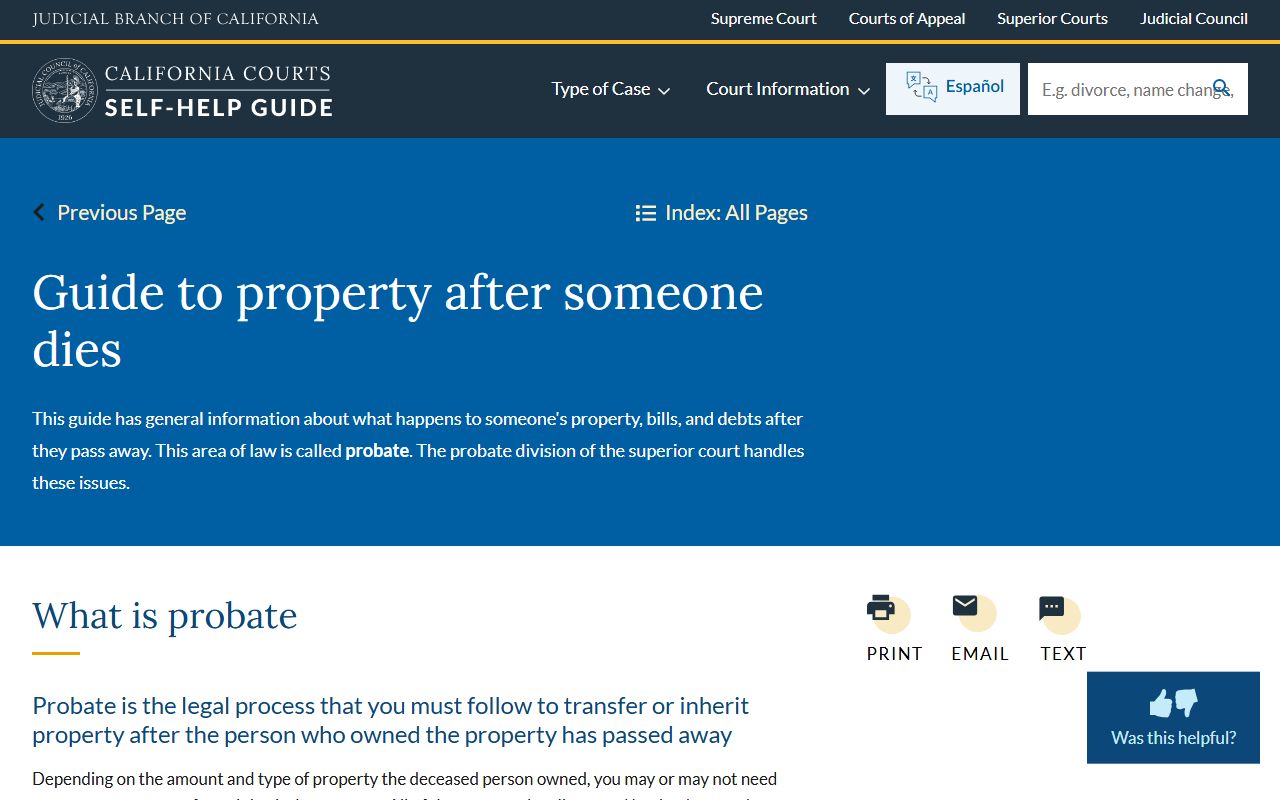
That state guide is the easiest plain-language read for what happens between filing and a final probate judgment. Civil and family dockets follow the same general shape.
LA County Court Docket Search
The official portal is Public Access Online Services. Start at the Guest Information page and pick a service. Civil, family, probate, and small claims dockets are reached through the civil name search. Criminal dockets are reached through the criminal name search. Once you have the case number, the Criminal Case Summary Online Service shows the criminal docket. The civil case summary returns hearing and filing data for the civil track. The court updates PAOS data daily.
Each name search has a fee. The guest rate is $4.75. The result list returns the case number, filing date, filing location, and case type. You then move on to the case summary or document image service. Document image pages run $1 each for the first five pages, $0.40 each after, with a $40 per-document cap. Always grab the receipt number. Results stay live for two hours and document images stay in the receipt panel for 30 days.
- Open PAOS at lacourt.ca.gov and pick Search for Case by Name for civil, family, probate, or small claims. Use Search for Case by Defendant Name for criminal.
- Choose guest checkout for a single lookup, or sign in to a registered account if you run many searches each month.
- Enter the litigant or defendant name. Spell it the way it appears on the file. Try variations if the first try misses.
- Pay the search fee. The result list returns the case number, filing date, filing location, case type, and the count of imaged documents in the file.
- Open the case summary using the case number. The summary shows the hearings, departments, party list, and docket events tied to the case.
- Pull the imaged minute orders and other filings from the document image service when you need the actual text.
- For older cases that fall outside the PAOS date window, call the filing courthouse listed on the result or contact court Archives.
Docket Fields and Entries
A typical LA Superior Court docket page lists a set of fields you can read at a glance. The fields below are the visible court-record fields used across LA Superior Court systems. Each docket entry sits inside a wider case summary that ties to the case number. The order matters: a case starts with a filing event, then runs through hearing entries, then closes with a disposition or judgment row.
| Field | What It Shows |
|---|---|
| Case Number | Required for case summary lookup. Format varies by division and filing courthouse. |
| Case Type | Civil, family law, probate, small claims, criminal felony, criminal misdemeanor, mental health, juvenile, or traffic. |
| Filing Date | Date the case was filed. Returned in PAOS name search results. |
| Parties | Litigant names in civil, family, probate, and small claims. Defendant name in criminal. |
| Hearings | Date, time, hearing type, and remote appearance permission for each scheduled hearing. |
| Department | Courtroom or department number that holds the hearing. Tied to the case summary and courtroom information pages. |
| Docket Events | Filings, motions, hearings, rulings, orders, judgments, notices, continuances, and dispositions in date order. |
| Disposition | Pending, disposed, dismissed, judgment entered, sentenced, transferred, stayed, or sealed. |
Financial data also appears on the docket where it applies. Civil dockets show filing fees, fee waivers, and judgment amounts. Criminal dockets show fines, assessments, restitution, and bail or bond. Minor names, Social Security numbers, victim contact details, and financial account numbers are redacted by court rule.
LA Court Departments and Courtrooms
A docket entry only makes sense if you know which courthouse and which department hold the case. LA Superior Court runs 36 courthouses across 12 judicial districts. The Central District alone holds Stanley Mosk Courthouse, the Clara Shortridge Foltz Criminal Justice Center, the Spring Street Courthouse, and Central Arraignment Courthouse. Civil services run at 19 courthouses. Criminal runs at 23. Family law runs at 12. Probate sits at Stanley Mosk and the Michael Antonovich Antelope Valley Courthouse. Mental health sits at Hollywood Courthouse and Norwalk Courthouse.
Stanley Mosk Courthouse at 111 North Hill Street is the most useful single site for public record copies. The Appellate Division sits in Room 607. Civil Appeals sits in Room 111A. Civil clerical operations and copies sit in Room 112. Small claims sits in Room 113. The civil phone line is (213) 830-0803, with phone hours 8:30 a.m. to 4:30 p.m. The criminal central courts at Foltz and Central Arraignment use their own LASD court services phone numbers. Always check the case summary for the courthouse and department before traveling.
For courthouse contacts and the full numbered list of locations, see the Superior Court page. For filing windows and certified copies, see the Clerk of the Superior Court page.
Hearing Calendars and Continuances
Each LA Superior Court department keeps a daily calendar. The case summary shows the next hearing date and the department number. Most departments use morning calendars for short matters and longer afternoon settings for trial-related work. Continuances are common. A continued hearing rolls forward to a later date and shows up as a new entry on the docket with the new hearing type and date. Watch the docket for repeated continuances near a trial date because they often shift the trial too.
Hearings can also be set, vacated, taken off calendar, or transferred to another department. Each move is its own docket row. Civil departments label many entries with codes such as CMC for case management conference, OSC for order to show cause, MSC for mandatory settlement conference, and FSC for final status conference. Criminal departments use entries such as ARR for arraignment, PHC for preliminary hearing conference, PX for preliminary examination, and PTC for pretrial conference.
The California Public Records Act page covers the access framework that lets the press and the public read these calendars. The screenshot below is from leginfo.legislature.ca.gov for Government Code section 7920.000.
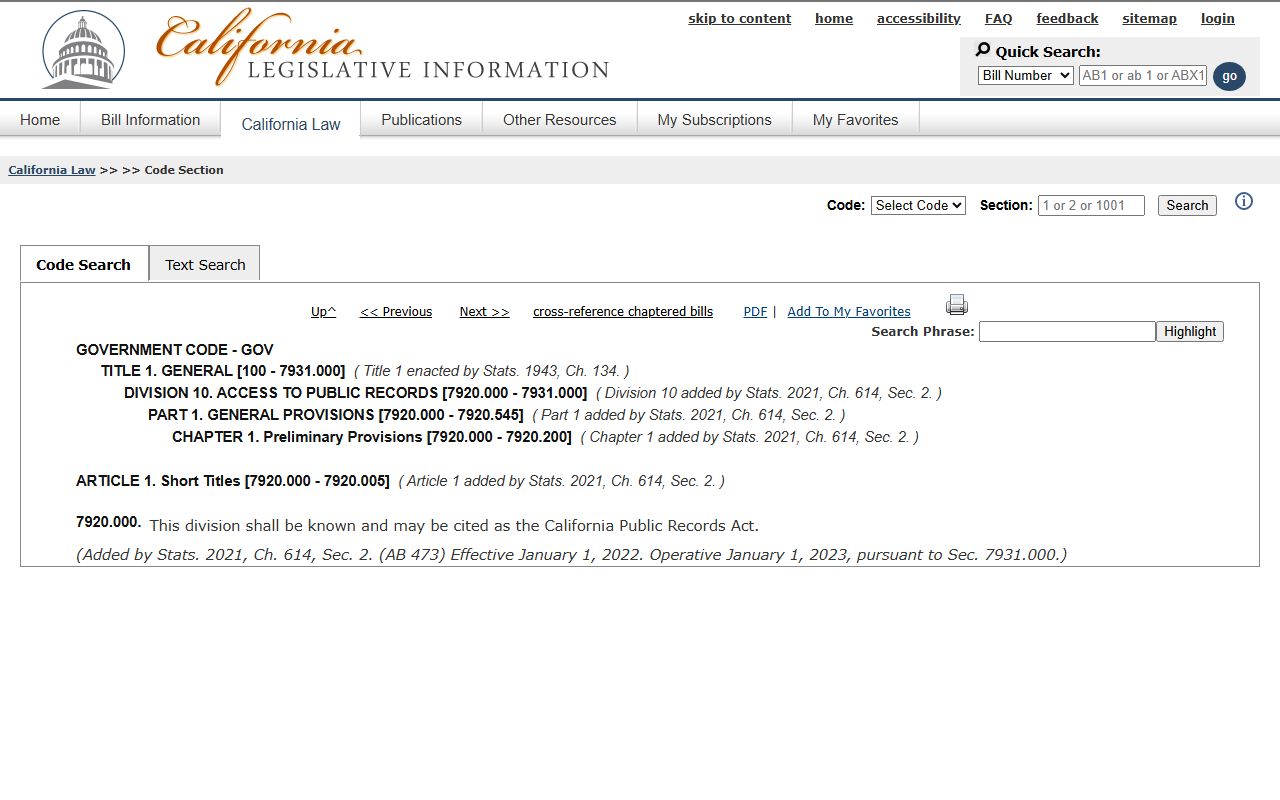
That statute governs the wider agency record world. Court calendars sit under court rules instead, but the CPRA framework is the right reference for most public records context.
Criminal Case Summary vs Docket
The PAOS criminal name search returns a small set of fields: case number, defendant name, filing date, and filing location. That is the result list, not the docket. To open the docket you move to the Criminal Case Summary Online Service. The case summary shows the charges, the bail amount, the hearing list, and the docket events tied to the case. Traffic and other infractions are not in the criminal name search and never appear on the criminal case summary. They live in the Traffic Division tools instead.
| Docket | Full Case Record | |
|---|---|---|
| Format | List of dated entries | Full documents and minute orders |
| Access | Through case summary after a paid name search | Through PAOS document images at $1 per page for pages 1 to 5 |
| Use | Track case progress and hearing dates | Read pleadings, orders, judgments, and exhibits |
| Coverage | Civil from 1983, criminal felony from 1980 | Civil images from 1970 to 2000 by case type, probate images from 2001, family from 2000 |
Civil case summaries follow the same split. The summary lists the hearings, parties, and event rows. The image search pulls the underlying pleadings and orders. Sealed and confidential files do not appear in either tool. If a docket entry references a sealed order, the image will not be downloadable.
PAOS Document Images and Docket Entries
A docket entry usually points to a filed document. To read that document you go to the PAOS document image service. The service requires a valid case number. Document image coverage starts at different dates by case type. Unlimited civil scans for Stanley Mosk start on 03/15/2000. Central Civil West scans run on or before April 13, 2018. Limited civil and unlawful detainer scans go back to 01/01/1970. Small claims scans start on 01/21/1988. Family law scans start on 05/01/2000. Probate scans start on 01/01/2001. Not every filing in those windows is online.
Sealed cases, confidential cases, and documents filed in a courtroom may be absent. If a needed document is not online, the court tells users to contact the filing courthouse. The California Rule of Court that sets the framework for electronic access is Rule 2.503. The screenshot below is the official Rule 2.503 text.
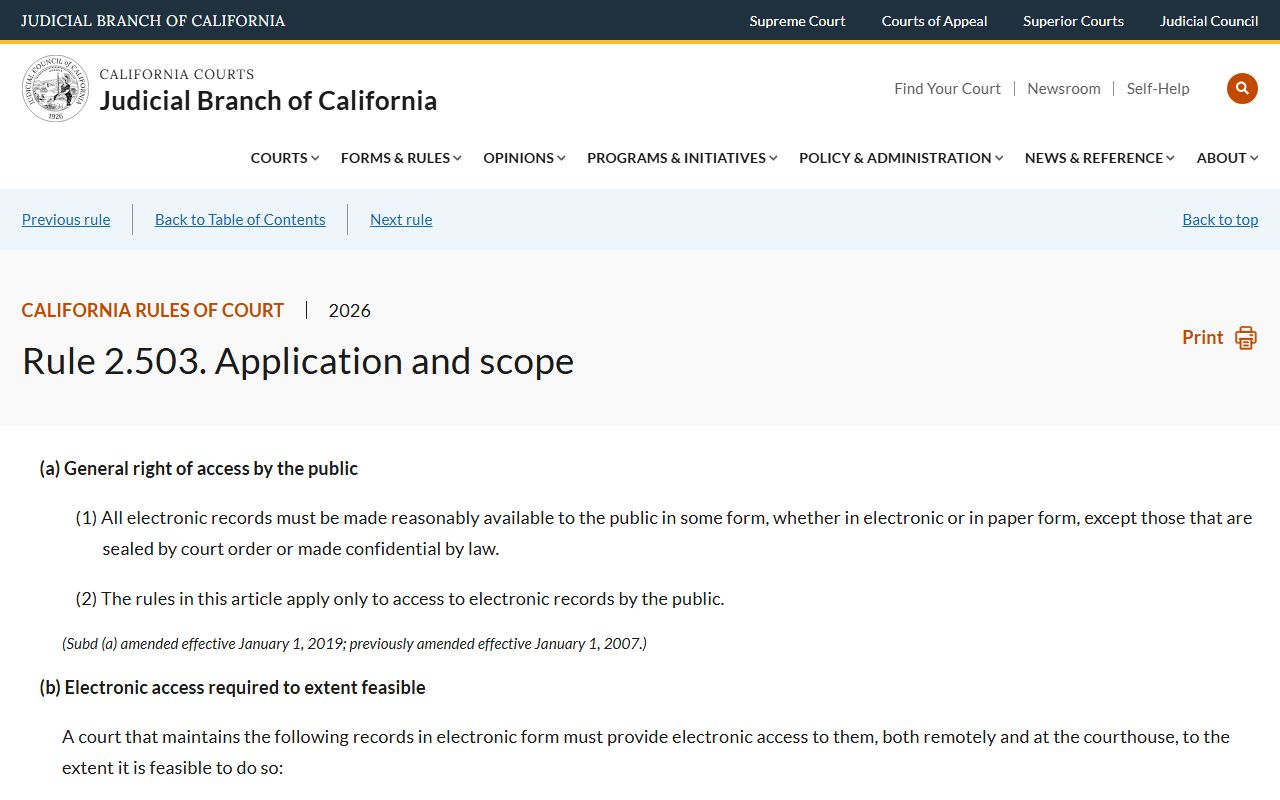
That rule is why most LA County dockets are even online. It also lists the limits on what the court must publish, which is why some files do not show up.
Sealed Dockets and Hidden Entries
Not every docket row is open. Sealed filings under California Rule of Court 2.550 do not appear in the document image service, and some related docket lines may be redacted. The rule requires the court to find an overriding interest, a real risk of prejudice without sealing, and no less restrictive way to protect that interest. Without those findings the record stays open. With them, the file is hidden from public view.
The image below is the official text of Rule 2.550 at courts.ca.gov.
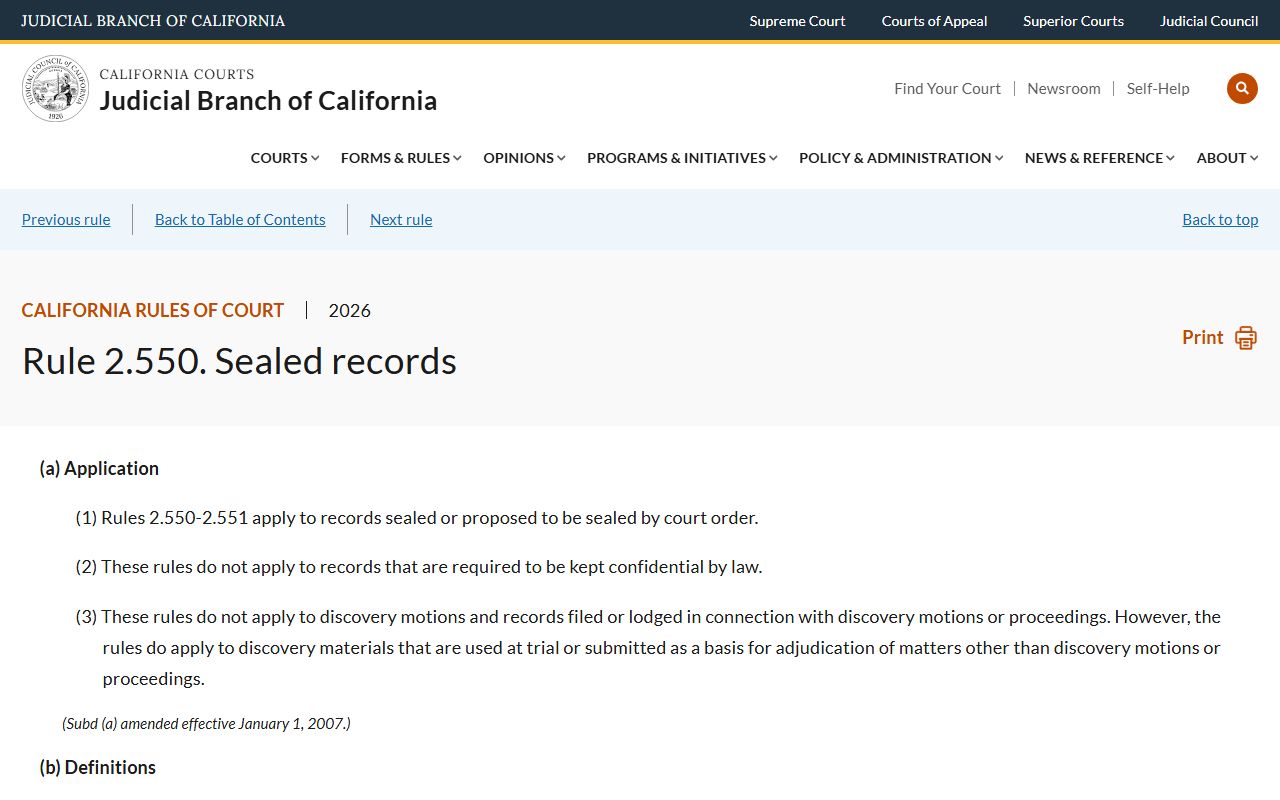
Read the rule before you petition to view a sealed file. The court that issued the order keeps jurisdiction over it.
Why Traffic Cases Aren't in PAOS
The PAOS criminal name search page says it does not cover traffic and other infractions. That carve-out matters because traffic cases produce huge docket volume across the 17 LA Superior Court traffic locations. To look up a citation, the case file, or a pay or contest option, go to the Traffic Division tools through the LA Court site. Hearings on traffic cases run their own department calendars and use their own court schedules.
The court holds traffic at 17 courthouses, including Beverly Hills, Chatsworth, Compton, Downey, El Monte, Glendale, Inglewood, Metropolitan, Michael Antonovich Antelope Valley, Pasadena, San Fernando, Santa Clarita, Santa Monica, Torrance, Van Nuys Courthouse West, West Covina, and the Governor George Deukmejian Courthouse in Long Beach. For more on citation, fine, and hearing lookups, see Los Angeles County traffic court records. DUI and DWI cases route into criminal and show up on the criminal docket through PAOS.
Sealing Criminal Arrest Entries
Arrest entries that did not lead to a conviction can be sealed under Penal Code section 851.91. Some qualifying arrests are sealed automatically by the California Department of Justice under Penal Code section 851.93. Once sealed, those entries drop out of public view on the docket. The California Courts self-help page covers the petition process and the forms.
The image below is from California Courts on sealing arrests with no conviction.
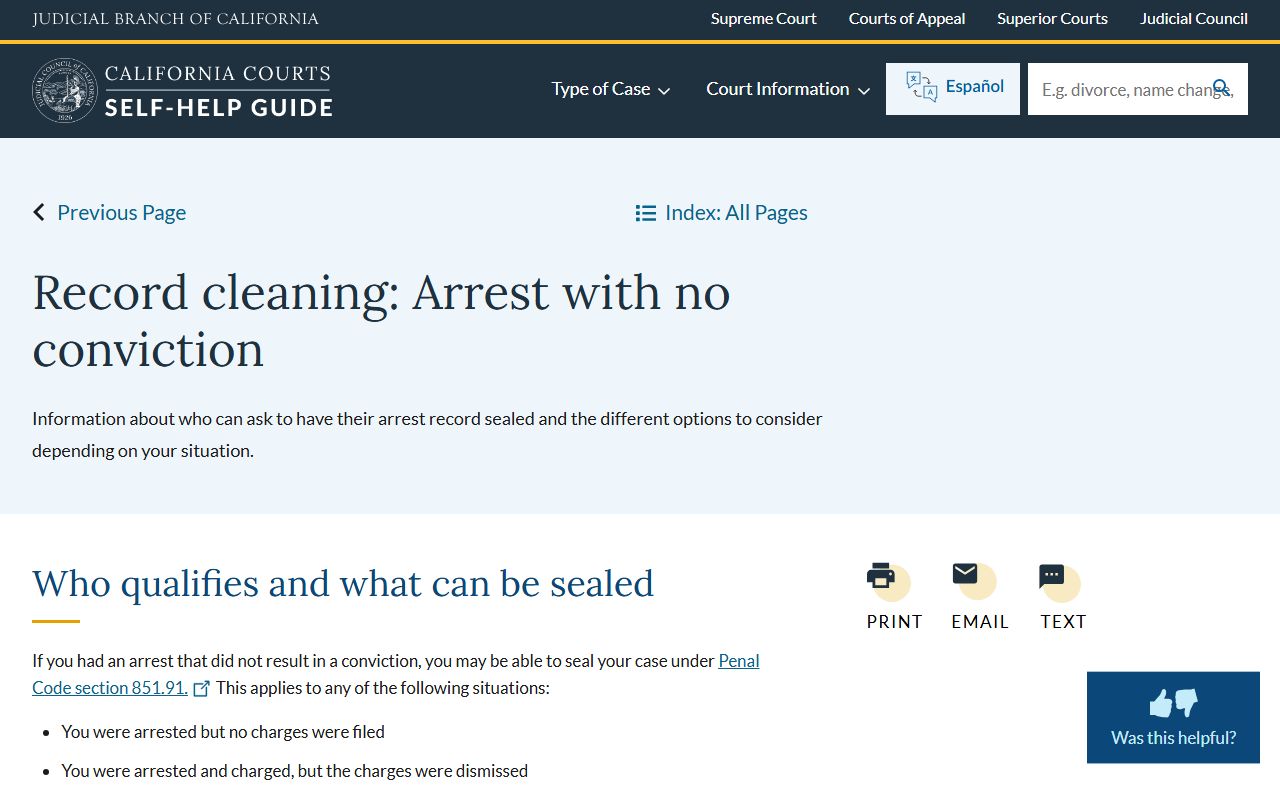
That guide is the right plain-language start. For full arrest record context, see criminal records.
Family Law and Divorce Dockets
Divorce cases produce a long docket with petitions, responses, declarations, custody orders, support orders, and judgment entries. Family law scans in PAOS document images start on 05/01/2000. Confidential filings under California law and sealed filings under Rule 2.550 are not available online. The California Courts divorce self-help guide is the most plain-language map of what each docket row means.
The screenshot below is from selfhelp.courts.ca.gov on divorce in California.
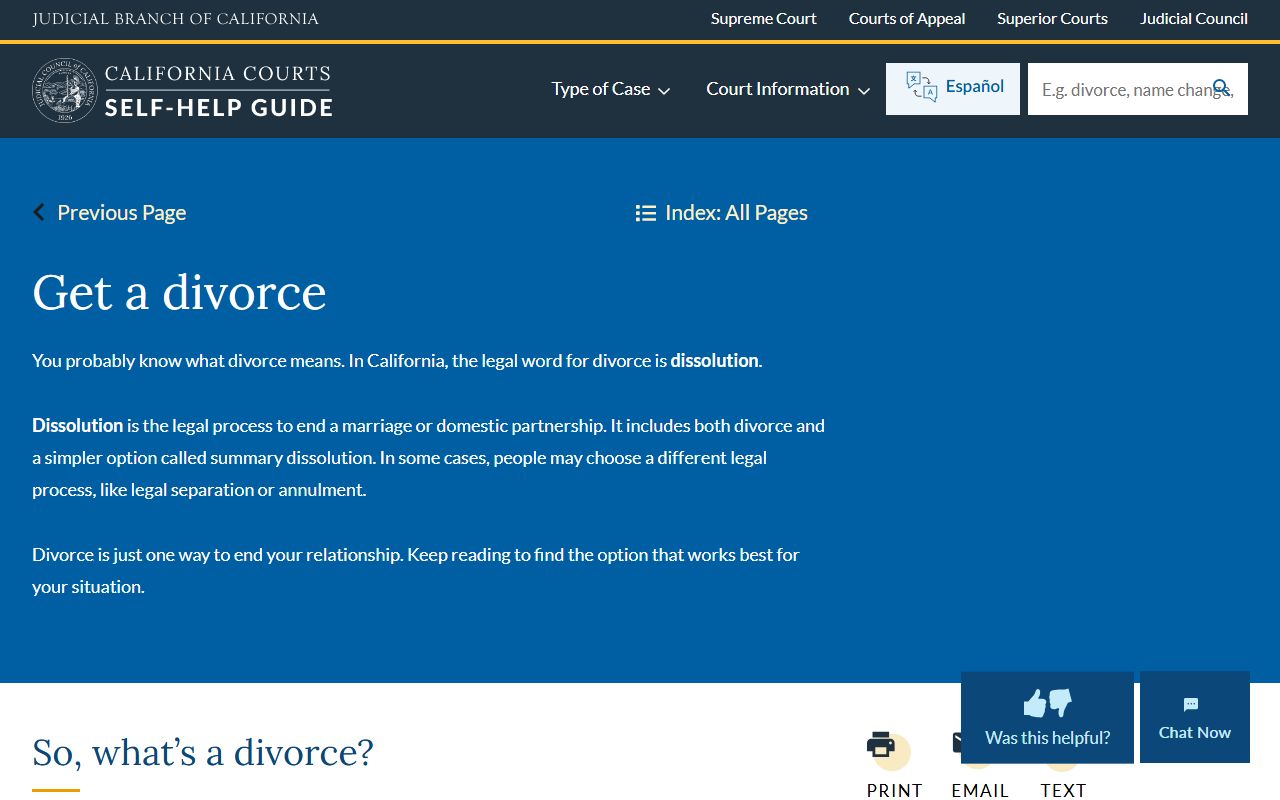
For LA County divorce decrees and certified copies, see marriage and divorce records.
Reading Minute Orders
A minute order is the clerk's official summary of what happened at a hearing. It captures the hearing date, the department, the judicial officer, the parties present, the rulings made, and the next steps. On the docket, a minute order appears as its own dated row with a short label. Pulling the imaged minute order through PAOS gives you the full text of what the judge ordered that day. Lawyers rely on minute orders to confirm rulings before any signed order is entered later.
Common abbreviations appear on the docket and inside minute orders. CMC means case management conference. OSC means order to show cause. MTC or MTS means motion to compel or motion to strike. ARR means arraignment. PX means preliminary examination. JT means jury trial. CT means court trial. CONT means continued. OFF CAL means off calendar. DSMD means dismissed. JMT means judgment. RFO means request for order in family law. Disposition codes such as Disposed, Sentenced, or Stayed appear at or near the end of the docket.
For full case files and certified copies, see Los Angeles County court records. For docket entries tied to active custody, see criminal records and inmate records.
Note: Minute orders are the clerk's record of what happened at a hearing and often appear days before a signed formal order is entered on the docket.